
An app that's
just a file.
Ask your AI for the app you want. It sends you a file. The file is the app. Open it, use it, send it to anyone.
Works on your phone and your computer. Nothing to install to try it.
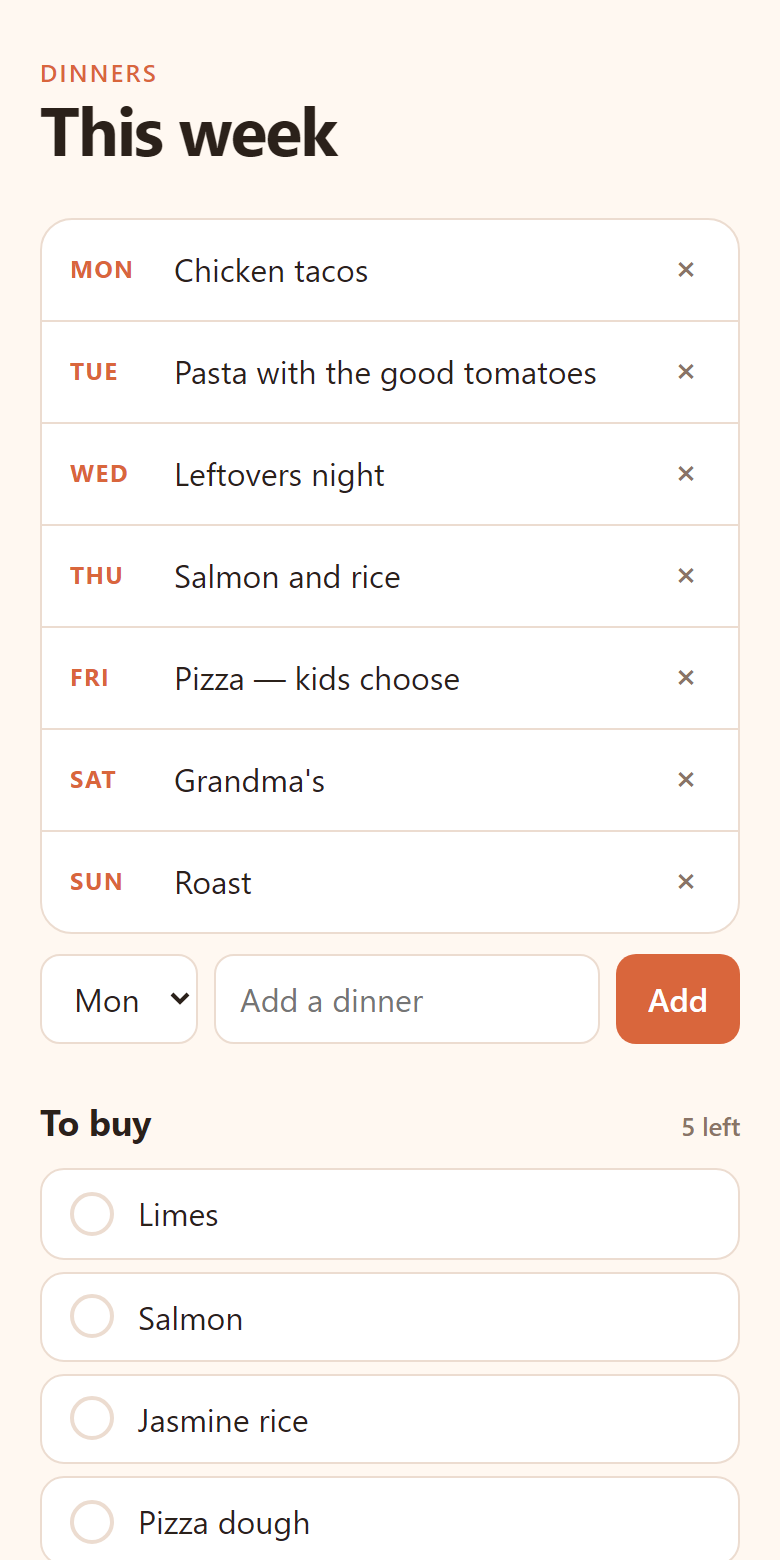
Dinners for the week
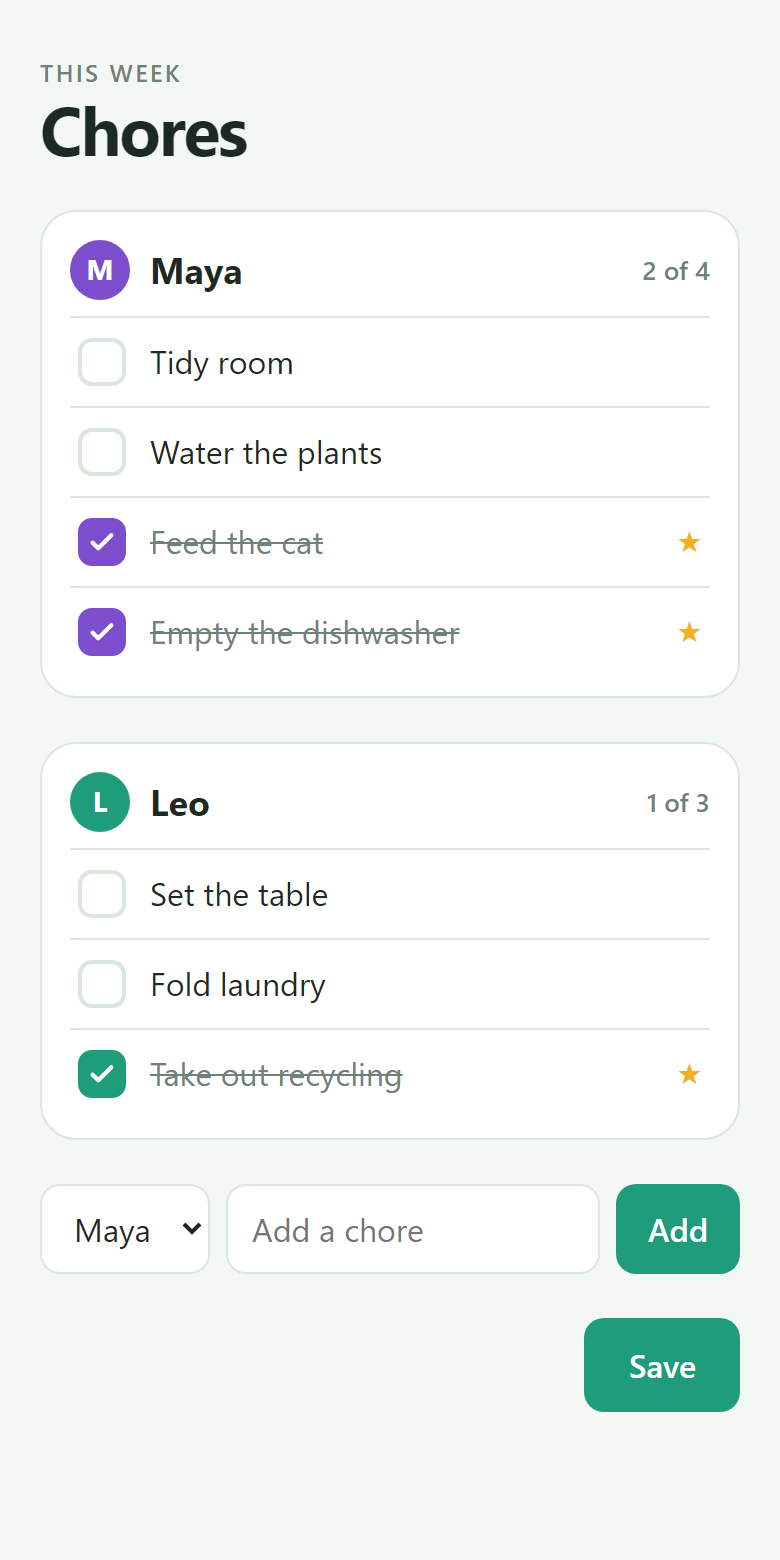
Chores for two kids
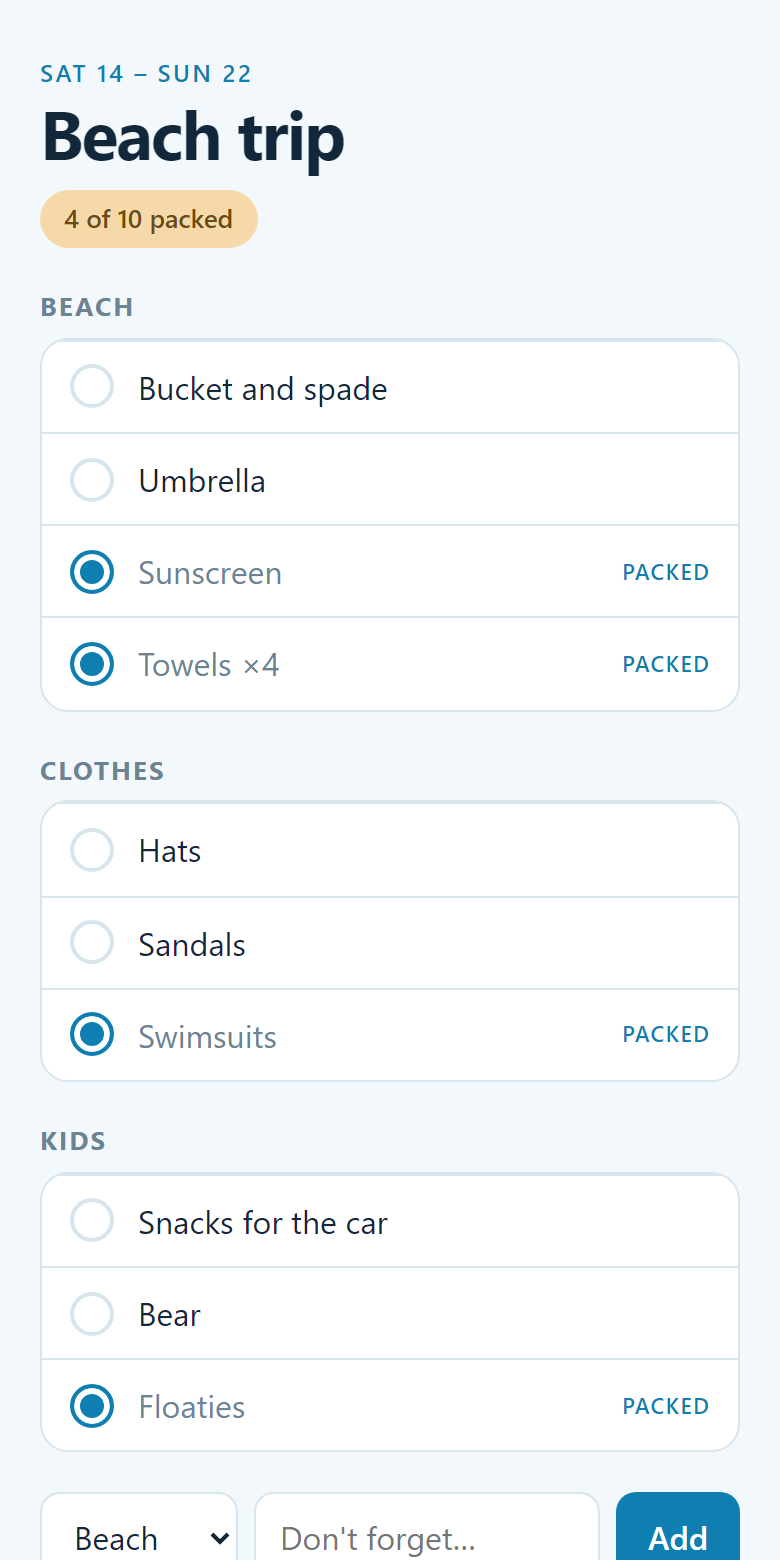
Packing for the beach
Each of these is one file. Each took about two minutes to make.
On your phone
Three taps.
Your file never leaves your phone. It opens right there, and stays yours.
1Open it. One tap — no download.
2It runs. Checked first, then run on your phone.
3Keep it. Add to Home Screen, and it reopens where you left off.
The opener
opendai.app
Nothing to install, nothing uploaded. Your files stay on your phone. Sent one and not sure what it is? Start here.
No accounts. No sign-ups. No subscriptions.
The app and everything you put in it live in one file, like a photo or a PDF. Nothing to log into, nothing to renew, nothing to lose.
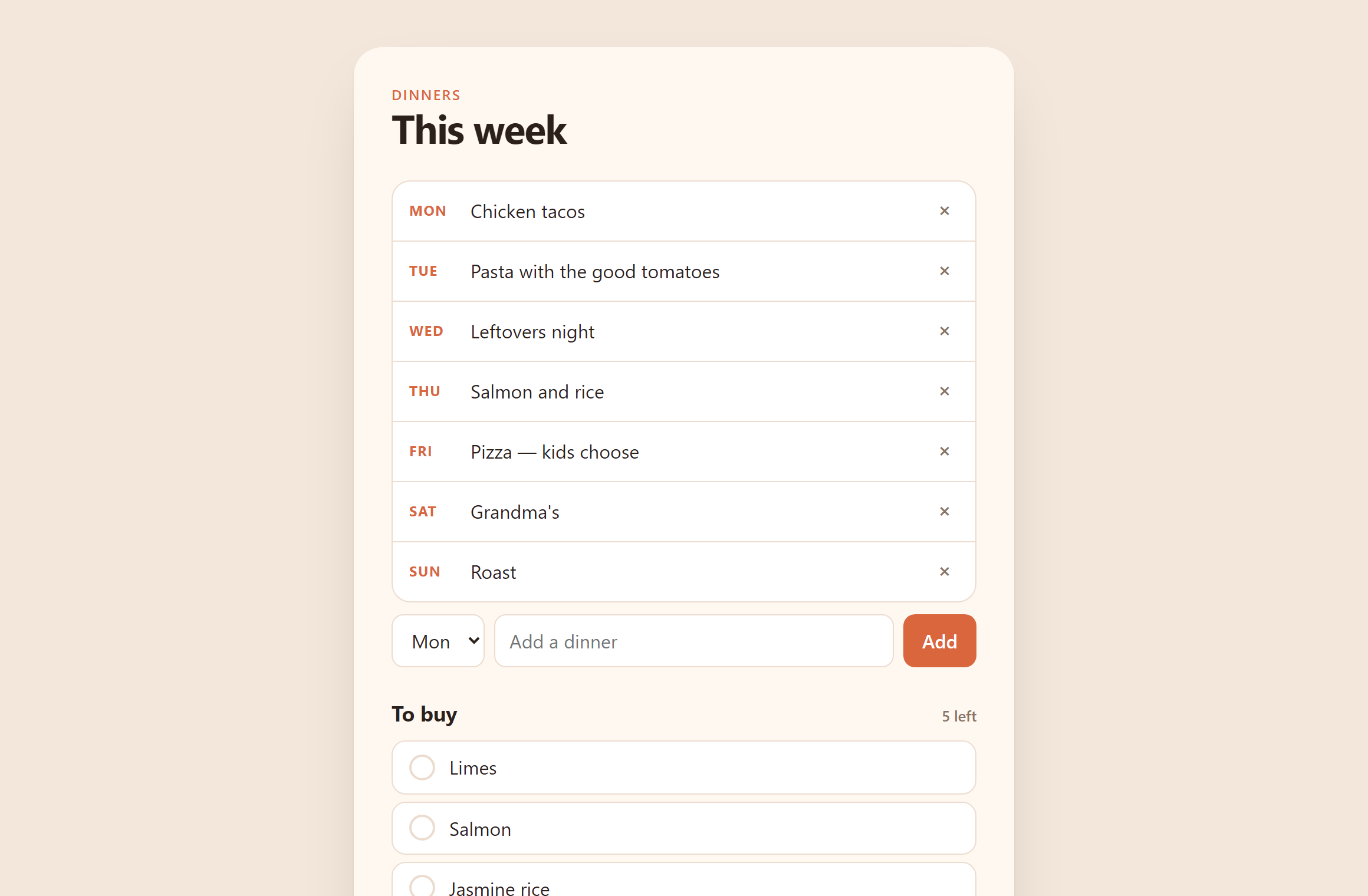
Send it like a picture.
Text it, email it, AirDrop it. The person you send it to gets the whole app, with everything in it. Change it, send it again. That's it.
It can't send your information anywhere.
A DAI file isn't allowed to use the internet, and your browser holds it to that. And if anyone changes a file after it's made, it fails its own check the moment you open it. What you open is exactly what was made.
See for yourself →It works without wifi.
It'll work in ten years.
No company has to stay in business for your app to keep opening. It's a file on your device. It's there when you need it.
On a Mac or PC
It can be a real app there too.
Install DAI once on your computer and your files get an icon, open with a double-click, and save themselves. Free, and takes a minute.
On a phone you need nothing extra — it's the three taps above.
Try it in ninety seconds.
Copy this and paste it to your AI. Change the part in brackets. You'll get a file back.
Make me a DAI app for [a packing list for our beach trip]. Follow the recipe at https://www.dynamicapplicationinterface.io/docs/the-recipe
Or try:a packing list for our beach tripa chore chart for the kidsa reading log for Mayaa budget for Leo's birthday partyour weekly dinner plana plant-watering schedule
Then open it here →