
The desktop app
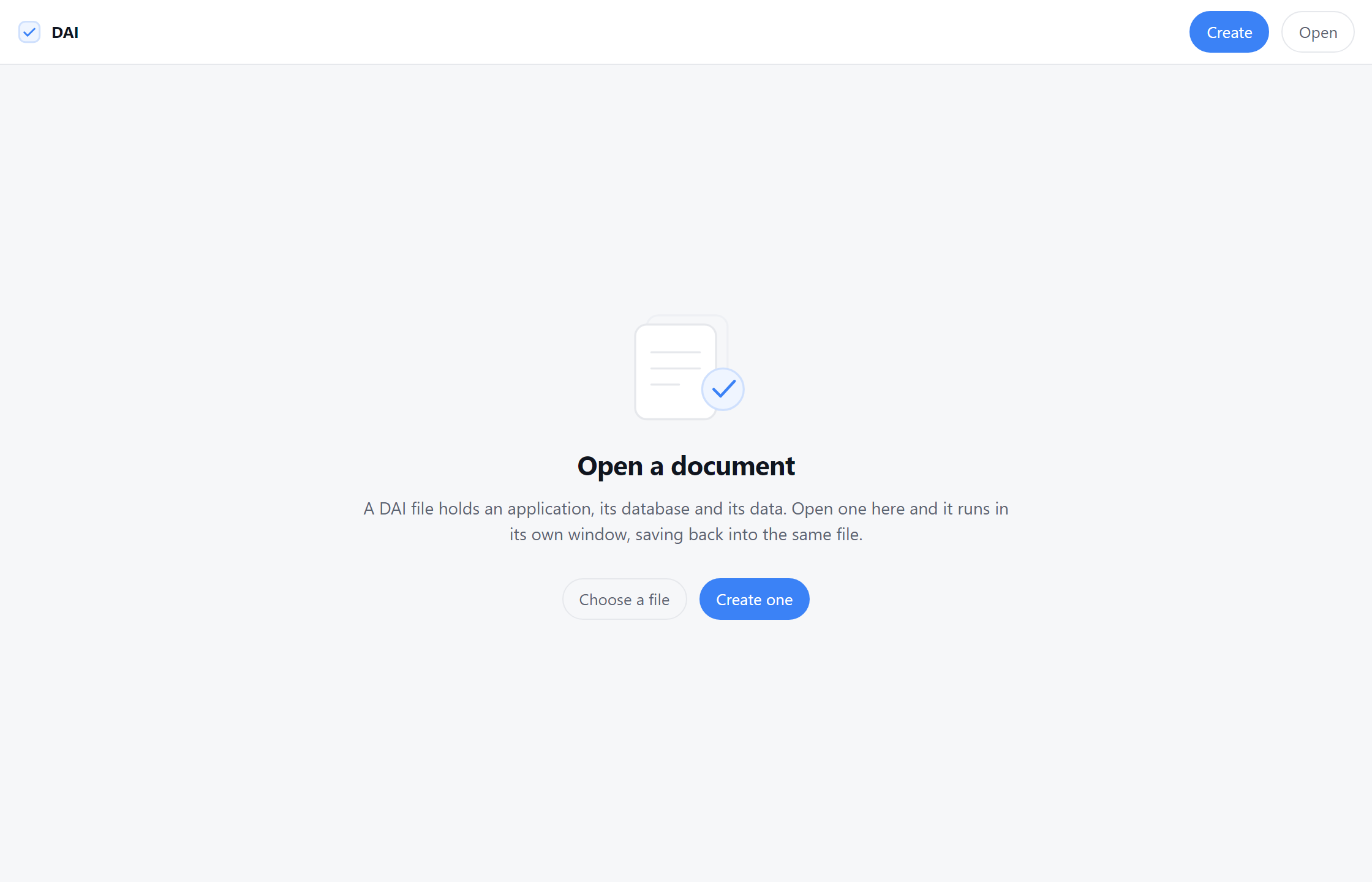
A DAI file already works with nothing installed — it opens in any browser. This makes it feel like a document instead of a download.
Download for Windows and macOS
Version 0.2.0 and later read every current document. An older copy will refuse a newer file by name and tell you to update, rather than failing in a way you have to guess at.
What it adds
Files become documents. .dai gets its own icon and opens on double-click, like a spreadsheet. Without it, the browser form works but a bare .dai asks Windows what to open it with.
A clean window. No address bar, no tabs. It looks like an application because it is one.
Saving happens in place. Press save and the file on disk is updated — written to a temporary file and swapped in, so a crash mid-save cannot leave you with half a document. In a browser tab, saving means downloading a new copy and tidying up the old one yourself.
It remembers who signed what. It records the key each publisher signs with, so a second document from someone you have opened before is recognised as theirs, and one that claims to be from them under a different key is refused and says so. A name spelled to look like one you know is caught too. Nothing to configure — it just notices.
It builds them too
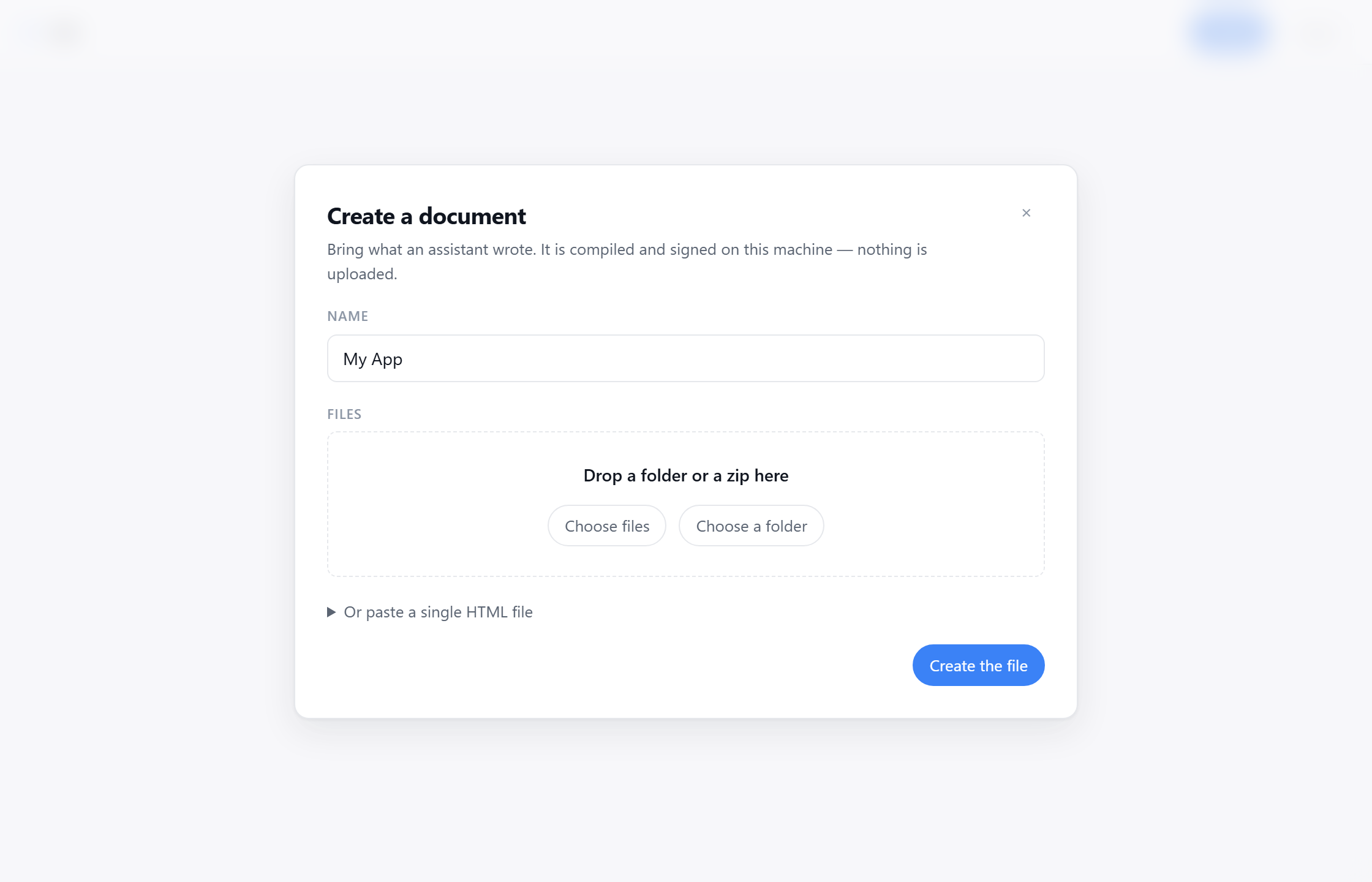
Drop in the folder or zip your assistant gave you and it compiles on your machine. No terminal, no npm, no configuration file — and nothing is uploaded, because there is nothing to upload to.
What it builds is unsigned, and will say so when anyone opens it. Signing needs a key you keep, and choosing where that key lives is a decision this window does not yet ask you to make; the command line does. An unsigned document is still whole — every part of it is fingerprinted, and a host checks those before it runs anything — it simply carries no claim about who made it.
It runs the same checks as everywhere else, so code that would open blank is refused with the reason, rather than turned into a file that quietly does nothing.
What it does not change
The format. A file built here is the same file the command line builds, and opens perfectly well on a machine that has never heard of this app. That matters: if the desktop app disappeared tomorrow, every document made with it would keep working.
Building it yourself
It is a Tauri application, so you need Rust and Node:
cd apps/desktop
npm install
npm run tauri build
That produces an installer for the platform you build on. The source is in the repository.